Digital Painting Tips for Pro-Level Results
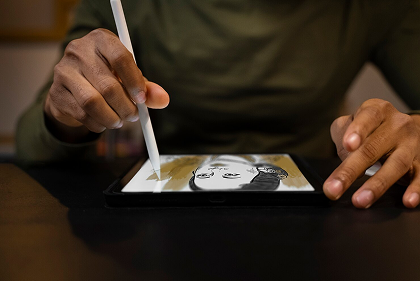
Digital art combines creativity with technology. Whether you use Photoshop, Procreate, or Krita, mastering tools is the key. Start with understanding brushes — soft round, textured, and custom brushes all give different effects. Keep your layers organized by separating background, characters, and effects.
Lighting is everything in digital painting. Experiment with different light sources — side lighting, backlighting, or ambient light. It changes the mood completely. Also, use color theory — warm and cool tones bring depth.
Always sketch your concept roughly first. Don’t jump directly into coloring. Once your composition looks balanced, begin with flat colors, then add shadows and highlights gradually. Try overlay layers to add glow or reflection.
Most importantly, learn shortcuts of your software — it will save time and boost your speed. Observe professional artists’ workflow from YouTube or ArtStation. Digital art is a journey; your skill grows every day you create.